An HR team does much more than recruit employees. It may handle payroll, leave, workplace policies, training, performance, employee relations, and legal compliance. Recruitment is only one part of that work.
An applicant tracking system, or ATS, is built for that one part. It gives recruiters and hiring managers a shared place to manage jobs, applications, interviews, decisions and candidate communication. It can reduce repeated data entry and make the status of each vacancy easier to see. It does not replace the HR team, decide who deserves a job, or repair a hiring process that nobody has clearly defined.
That distinction is important. An ATS is useful when it removes specific administrative problems. Buying one simply because recruitment seems slow may add another system without fixing the cause of the delay.
An ATS Supports Recruitment, and HRIS does the rest.
An ATS is a recruitment system. It usually holds job requisitions, resumes, application details, interview records, messages, and hiring decisions. Recruiters use it to move candidates through agreed stages, while hiring managers use it to review information and provide feedback.
An HR information system (HRIS) or human capital management (HCM) platform has a different purpose. It manages people after they join the organization. Some products combine these functions, but the terms should not be treated as interchangeable.
| ATS | Manage recruitment from job request to hire | Vacancies, applications, resumes, interview feedback, offers, and candidate status |
| HRIS or HCM | Manage the employee relationship | Employee records, payroll, leave, benefits, performance, learning and workforce administration |
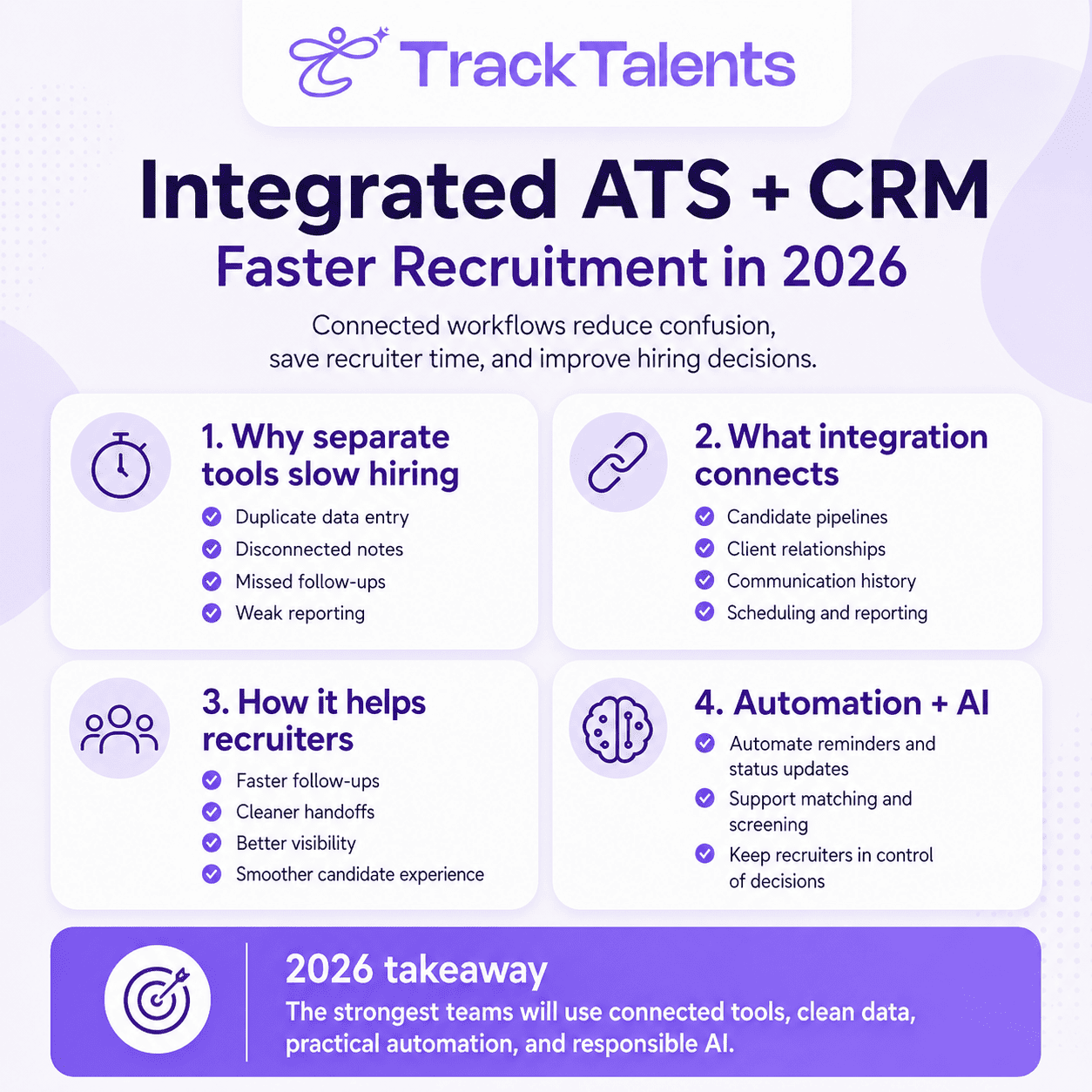
The connection between the two systems usually matters more than the label. Once a candidate accepts an offer, approved details may need to pass from the ATS to onboarding, payroll, or the HRIS. A well-planned connection can remove duplicate entry. A poorly planned one can copy incorrect data into the employee record.
ATS plays an important role when records are scattered
Many hiring problems are small on their own. A manager approves a vacancy by email but does not tell the recruiter. A resume is saved in one person’s inbox. Interview notes are kept in a separate document. Nobody records a candidate’s withdrawal, so another employee sends an interview reminder.
The result is a hiring process that depends on people remembering what happened and telling everyone else. This becomes harder when the organization has several open roles, multiple interviewers, or multiple recruitment locations.
An ATS creates a central record of the process. According to SHRM’s overview of applicant tracking systems, the core functions include creating a candidate database and tracking candidates through the recruitment pipeline. That shared record is often the system’s most practical value.
It only works, however, if people use it consistently. When decisions remain in private messages or interview feedback is never entered, the system shows that a stage changed but not why it changed.
ATS makes the Recruitment Tasks Easier
The exact features vary by product, so buyers should check what a system actually does rather than rely on the ATS label. Most platforms focus on several common parts of the hiring process.
Job requests and advertising
A recruitment procedure often starts before a job is posted. The hiring manager may need to explain why the role is open, confirm the budget, select an employment type, and obtain approval. An ATS can route that request to the right people and record who approved it.
Once the job is ready, the system may publish it to a careers page and selected job boards. This saves time when the same approved information would otherwise be copied into several websites. It also reduces the chance that different versions of the job description appear in different places.
Posting to more Job boards does not guarantee suitable applicants. The job requirements still need to be accurate, the advert must be understandable, and recruiters must choose sources that reach the intended candidates.
Applications and resume records
Instead of receiving applications across personal inboxes, teams can direct them to a single database. The ATS may connect each application to the correct job, identify possible duplicate profiles, and let recruiters search previous records.
This makes everyday questions easier to answer. Has this person applied before? Which role did they apply for? Who contacted them? Did they permit consideration for another vacancy? The information is useful because it is connected, not simply because it has been stored.
Duplicate records should be checked before they are combined. Two candidates may have similar names, while the same person may apply again using a different email address. Recruiters should confirm that the records belong to the same person before merging them to avoid mixing information from different candidates.
Hiring stages, tasks and reminders
An ATS can show whether a candidate is awaiting review, invited to interview, under consideration or no longer active. It can also assign tasks, set reminders and alert a colleague when action is overdue.
These features help when the stage names reflect the real process. A simple role may need only a few stages, while a regulated or senior role may require several checks and approvals. Copying one complicated workflow across every job can make recruiters update fields that add no value.
Automation also depends on reliable triggers. If the system sends a rejection email when a status changes, users need to understand exactly which change starts that message and whether they can stop it. A mistaken status should not lead to an insensitive or inaccurate email.
Interviews, feedback and offers
Calendar connections can reduce the back-and-forth involved in arranging interviews. Standard evaluation forms can also prompt interviewers to assess the same job-related criteria and provide evidence for their ratings.
The form is only a structure. A comment such as “good candidate” does not explain what the interviewer observed, and a long scorecard does not make vague job requirements more meaningful. Recruiters and hiring managers still need to agree on what they are assessing and what evidence supports a decision.
After the decision, the ATS may help prepare an offer, collect approvals, and pass approved information to onboarding. Before enabling that transfer, the team should decide which system owns each field, how a failed transfer will be reported, and who will correct it.
Resume Parsing Saves Entry Time, but a slight human input is required.
Resume parsing turns information in a document into fields such as name, contact details, employment history, education and skills. This can make profiles searchable and reduce manual entry.
Parsing is not the same as understanding a person’s experience. Unusual layouts, tables, images, abbreviations and inconsistent date formats can cause information to appear in the wrong field or disappear from the profile. Recruiters should be able to open the authentic resume and check important details before making a decision.
Accepted file types also differ by product. A vendor may support PDF and common word-processing files but not every document format. Test the formats candidates actually use, including documents created on mobile devices and resumes containing more than one language. If the application process cannot read a file, the candidate should receive a clear error and a practical way to continue.
Duplicate detection and keyword search have similar limits. They can help people find records, but they should not silently decide that two profiles are the same or that a candidate lacks relevant experience.
Faster Screening Does Not Mean You Get a Better Hire.
An ATS can use screening questions and filters to identify whether an application contains stated requirements, such as a required license, work authorization, or willingness to work at a particular location. This may help recruiters manage a large number of applications.
The result is only as sound as the rule. If a requirement is unnecessary, unclear, or entered incorrectly, the system can consistently exclude people for the wrong reason. A candidate may also describe relevant experience in words that do not match the recruiter’s selected search words.
This is why “quality of hire” should not be presented as an automatic benefit of ATS. The system can support structured stages, consistent criteria and better recordkeeping. Hiring quality also depends on the job definition, sourcing, assessments, interviews, managerial judgment, offers, onboarding, and the conditions employees face after joining.
Extra care is needed when software scores, ranks or recommends candidates. The U.S. Equal Employment Opportunity Commission warns that software and algorithmic tools used in hiring can unlawfully screen out people with disabilities. Employers need a way for candidates to request reasonable accommodation and should know how a tool affects decisions rather than treating its output as neutral.
An ATS can keep recruitment records organized, but it cannot replace human judgment. Recruiters and hiring managers still need to decide which information matters, understand it in context, and assess every candidate fairly.
Communication with Candidates Should Feel Pleasant, Not Robotic
Acknowledgment emails, interview reminders, and status updates are useful because they let candidates know that their application has arrived and what happens next. Templates also save recruiters from writing the same standard message repeatedly.
Automation becomes a problem when the message does not match the situation. A candidate should not receive a cheerful reminder after withdrawing or a generic rejection immediately after a detailed final interview. Sensitive decisions often deserve an individual message or conversation.
Teams should review the content, timing, and trigger for every automated email. They should also decide which messages require a reply and make sure someone is responsible for that inbox.
The application form deserves the same attention as the recruiter’s screen. It should work on common devices, ask only for information needed at that stage, and make required fields clear. The W3C’s guidance on user-friendly forms covers labels, instructions, validation, and notifications that help users understand errors and know when a submission has succeeded. A modern-looking form is not necessarily an accessible one.
Recruitment Reports Are Based on the updated records.
An ATS can record stage changes and calculate how long candidates remain at each point. It cannot know whether recruiters updated those records correctly. If a candidate withdraws but remains marked as “interview scheduled,” both the active pipeline and the time-in-stage report will be incorrect.
Useful reporting starts with a few shared definitions. The team should agree on:
- When an applicant becomes a qualified candidate
- What each stage means
- Which events start and stop time-based measures
- How sources are credited
- Which rejection, withdrawal, and offer-decline reasons are worth recording
- Who closes duplicate, canceled, or inactive records?
Once those definitions are stable, the team can examine measures such as approval time, time spent in each stage, application-to-interview conversion, offer acceptance and candidate withdrawals.
Every ratio needs a written definition. An “interview conversion rate,” for example, might use all applications, reviewed applications or qualified candidates as its starting point. Two reports can use the same name and produce different results.
Speed also needs context. A difficult role, a delayed manager, or a cautious assessment process may take longer for good reasons. A short hiring cycle is not a success if steps were skipped or records were closed incorrectly.
Human ownership is required on Candidate Data.
Putting resumes, messages, interview notes, and screening information in one place is convenient, but it also concentrates personal data. Organizations need to decide what they collect, why they need it, who can see it, when it may be shared, and when it should be deleted.
Role-specific access is a basic control. An interviewer may need the resume and evaluation form but not pay details or background-check information. A recruiter may need broader access, while a system administrator may need technical access without a business reason to read every record.
The legal duties depend on the countries involved and on whether the organization is acting as an employer, agency, client, software provider or another party. The software does not decide those responsibilities. Contracts, privacy notices, and working procedures must conform to how information actually moves.
The UK Information Commissioner’s Office says recruitment can include sensitive information and several organizations across the hiring chain. Its current recruitment and data-protection guidance covers the process through to the deletion of candidate information. The ICO notes that this guidance is under review following changes made by the Data (Use and Access) Act, so organizations relying on UK law should check the current position.
When AI features are involved, buyers need more than a general security statement. The ICO advises organizations to define responsibilities, examine fairness and accuracy, explain the use of AI to candidates, and limit the collection of personal information to what is needed for the stated purpose. Its questions for buyers of AI recruitment tools are a useful starting point, even for teams outside the UK that are developing their own review process.
Practical controls may include role-based permissions, multifactor authentication, audit records, retention schedules, secure deletion, tested backups and defined procedures for exporting or correcting information. Buyers should verify each control rather than assume it is included.
Buy an ATS that Solves a Defined Hiring Problem
An ATS becomes useful when applications, frequent hiring, or several people and locations become difficult to manage through emails and spreadsheets. A small business that hires only a few times a year will naturally have different needs from an employer recruiting regularly across multiple locations.
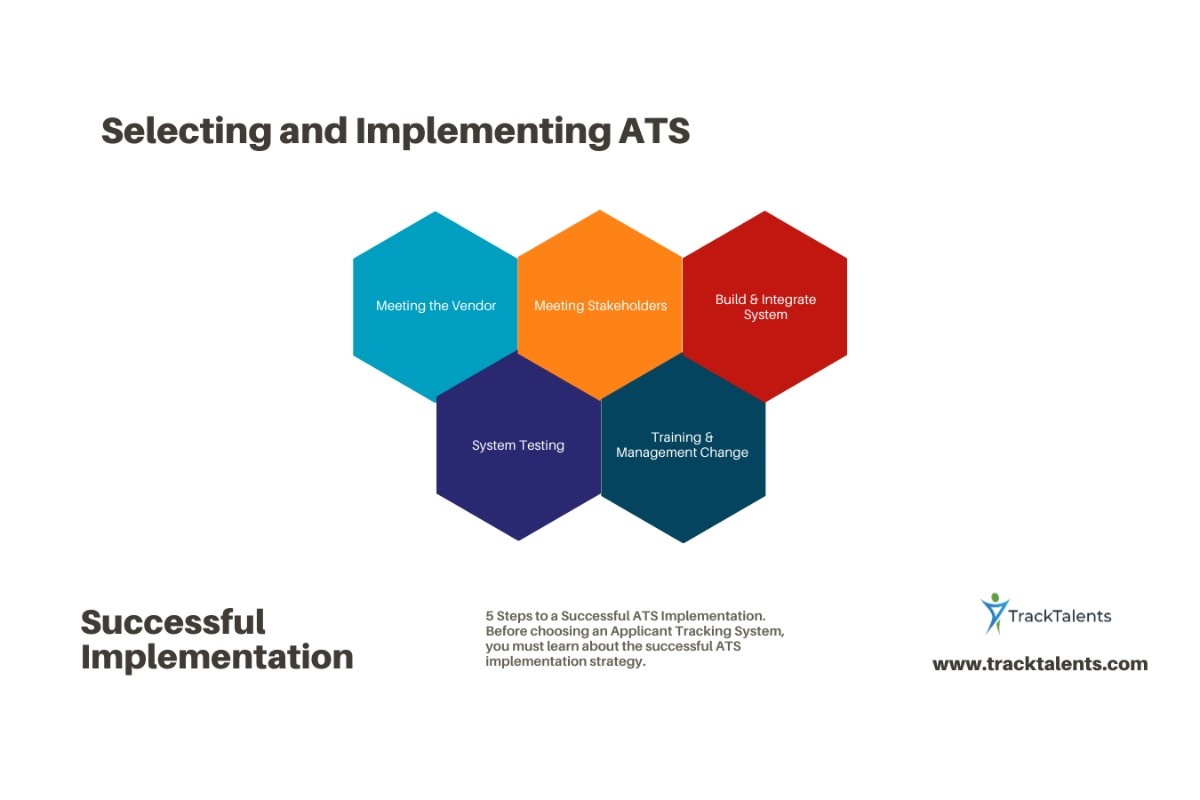
Before comparing products, map a recent hire from the job request to the accepted offer. Record where people re-entered information, waited for approval, searched for a document, repeated a message, or lost track of a decision. These are the problems a system should be asked to solve.
Then include the full cost of the change. The subscription price is only one part. Setup may require data cleaning, migration, configuration, integration, user training, candidate form testing, and ongoing administration. SHRM’s ATS purchasing guidance recommends starting with a clear view of requirements and the current recruitment process rather than going straight to vendor demonstrations.
A standard feature tour may not show how the system handles everyday recruitment problems. During the demonstration, ask the vendor to work through realistic situations such as:
- Identifying a candidate who applied twice using different email addresses
- Recording feedback submitted after the deadline
- Correcting a candidate moved to the wrong stage
- Handling a failed transfer to the onboarding system
- Restricting access to salary or background-check information
- Responding when a candidate asks to view or correct their data
- Creating a report based on your organization’s stage definitions
- Completing an application using a mobile phone or assistive technology
Testing familiar situations reveals more than asking whether a feature exists. It shows how many steps the task takes, what occurs when something goes wrong, and whether occasional users can understand the system.
What TrackTalents will deliver?
TrackTalents is one option for teams comparing recruitment platforms. Its current feature information lists resume extraction for PDF, TXT, DOCX and DOC files, bulk resume upload, job creation and import from email, job posting, linked candidate and job records, email tracking, interview scheduling and onboarding workflows. It also lists timesheet, invoicing and payroll-related functions that may be relevant to staffing firms.
Start With the Bottleneck
Begin with one hiring problem that everyone recognizes. It could be repeated data entry, delayed job approvals, missing interview feedback, or candidates not receiving timely updates. Review how the task is handled now, and then check whether the ATS genuinely reduces the work. If employees are completing the same steps on a different screen, the problem has not been solved.
A useful ATS keeps recruitment information in one place, shows who is responsible for each step, and reduces unnecessary administrative work. However, recruiters and hiring managers must still define the role, review candidate information, communicate clearly, and make fair decisions. The system should support their work, not take over their judgment.