
Staffing firms that recruit for large employers often work in two systems. The client releases contingent job requirements and manages suppliers through a vendor management system (VMS). The staffing firm searches for candidates, records communication, and manages submissions in its applicant tracking system (ATS).
When the systems are not connected, recruiters must keep moving between them. They check the VMS for new jobs, copy requirements into the ATS, re-enter candidate details, upload resumes, and return to the VMS to update status. The work is repetitive, but the larger problem is that the two records can quickly disagree.
A VMS ATS integration can transfer selected information between the platforms so the same action does not have to be completed twice. The result depends on what the connection supports. Some integrations only import job orders. Others can send candidate submissions back to the VMS and return client status updates to the ATS. Staffing firms need to understand that difference before assuming a system will automate the complete workflow.
A VMS and an ATS Manage Different Parts of Contingent Recruitment
In this context, a VMS is the platform an employer uses to procure and manage external workers and staffing suppliers. It can cover requisitions, supplier distribution, candidate submissions, approvals, assignments, time and expenses, invoicing and offboarding. The precise functions vary by product and by the way the employer has configured its contingent workforce program.
SAP describes a VMS as software for procuring and managing an external workforce, while Workday’s VMS overview covers the worker lifecycle from sourcing and engagement through invoicing and offboarding.
The ATS serves a different purpose. A staffing firm uses it to store candidate records, search its database, track recruiter activity, record conversations, and manage people through the agency’s recruitment process. It may also contain client, placement, onboarding, timesheet, or billing functions, but those features do not make the client’s VMS unnecessary.
| Main owner | Employer, procurement team or managed service provider | Recruitment or staffing firm |
| Main record | Contingent job requirement, supplier activity and assignment | Candidate, recruiter activity and submission history |
| Typical users | Hiring managers, procurement teams, program managers and suppliers | Recruiters, account managers, compliance teams and agency leaders |
| Common tasks | Release jobs, control supplier access, review submissions, approve workers and track spend | Search candidates, contact applicants, prepare submissions and manage placements |
| Primary reporting | External workforce, supplier performance, assignments and spend | Recruiting activity, candidate pipeline, submissions and placements |
The two platforms are not competing versions of the same tool. This integration process creates a controlled handoff between them.
Manual VMS Work Creates Delays and Conflicting Records
The first sign of a disconnected process is usually not a major failure. It is a collection of small tasks. A recruiter checks several portals for new requirements. An account manager copies a job into the ATS. Someone else changes the title or location to match an internal format. A candidate is submitted through the VMS, but the ATS is not updated until later.
These gaps create practical problems:
- A job reaches recruiters after competing suppliers have already started working on it.
- Pay rates, shifts, locations, or required skills are copied incorrectly.
- Recruiters continue sourcing after a requirement has been placed on hold or closed.
- The same candidate is prepared or submitted twice.
- Client feedback continues in the VMS while the recruiter works from the ATS.
- Managers cannot reconcile the number of open jobs with the number of active submissions.
More automation is not automatically the answer. If the original requirement is incomplete or a field is mapped incorrectly, an integration can distribute the error faster. The purpose is to remove avoidable re-entry while keeping exceptions visible to the people responsible for resolving them.
What a VMS ATS Integration Can Automate
The scope should be stated in plain terms. “VMS integration” could describe a one-way job feed, a two-way submission process, or a more extensive connection that includes assignments and time records. Buyers should ask what data moves in each direction and which actions still require a person.
Importing New Job Orders
When a client releases a requirement to the staffing firm, the system can create a corresponding ATS job. The imported record may include the VMS requisition ID, client, title, location, start date, duration, shift, pay or bill rate, required skills, submission deadline, and number of openings.
The system should use the VMS requisition ID or another stable identifier to update the existing ATS job rather than creating a new record every time the client makes a change.
Mapping Fields and Routing the Work
VMS platforms and client accounts rarely use identical field names or values. One client may use “work location,” another “facility,” and another “site.” The process must translate those values into the fields used by the ATS.
Rules can then assign the job to the correct branch, client team, recruiter, or specialty desk. Firms should confirm how those selection and assignment rules are configured for each client.
Sending Candidate Submissions to the VMS
A two-way integration may allow a recruiter to select a candidate in the ATS and submit the profile to the client’s VMS without reentering the same details. The transfer could include the candidate’s contact information, resume, rate, availability, and answers to client-specific questions.
This step needs more than a resume upload. The VMS may reject a submission if a required field is missing, a rate is outside the permitted range, or the candidate has already been presented. The recruiter needs a clear confirmation along with an error message instead of an assumption that the profile was delivered.
Returning Status Updates to the ATS
Client actions such as shortlisted, interview requested, rejected, offer pending, filled, canceled, or on hold can be returned to the ATS. The wording will vary across systems, so each VMS status must be mapped to the appropriate ATS stage.
Bullhorn’s current VMS Sync documentation shows why this is a substantive implementation task: its workflow includes authentication, job-order import, company and skill mapping, handling unmatched values, record creation or updates, and candidate submission. Its separate status-mapping guidance also distinguishes active, hold, closed, filled, canceled and unmapped requisitions.
Extending the Connection Past Recruitment
Some VMS programs also manage worker onboarding, assignments, extensions, timesheets, expenses and invoicing. Those records may connect to an ATS, payroll system or finance platform, but they should not be assumed to form part of the recruitment integration. A staffing firm that needs these functions should identify them separately and test the complete data flow.
Not Every Integration Uses the Same Method
The way the systems connect affects security, reliability, and the amount of maintenance required.
Official API connection: An application programming interface allows approved data to move between systems according to documented rules. This is generally the strongest option when the VMS provides supplier APIs and the ATS supports them. Beeline, for example, now offers an official supplier API for job retrieval and candidate submissions. It also states that scraping tools and shared credentials are not supported under its supplier access arrangements.
Direct product connector: An ATS vendor may maintain a connector for named VMS platforms. The staffing firm should check the exact portals and functions supported. A connector for one VMS does not mean it will work with every client account or configuration on that platform.
Integration platform or middleware: A separate service can receive data from one system, transform it, and pass it to the other. This can be useful when several VMS portals feed one ATS, but someone must own the mappings, monitoring and changes.
Browser or robotic automation: Software can imitate the actions a recruiter performs in a portal. This may be used where no suitable API exists, but it is more vulnerable to page changes, login controls and provider restrictions. The VMS terms and client security requirements must be checked before this method is used.
Email or file-based import: A job alert, spreadsheet or structured file can create or update ATS records. This may remove some typing, but it is usually less complete than a supported two-way connection and may not return candidate or status information.
The most sophisticated method is not always necessary. A firm receiving a few jobs from a single client may not gain enough from a complex integration to justify the setup and maintenance costs. The decision should reflect job volume, submission urgency, the amount of repeated entry, and the cost of errors.
Field Mapping Determines Whether the Information Stays Useful
Connecting two systems is only the technical beginning. The information must still mean the same thing on both sides.
Before implementation, the team should prepare a field map covering:
- Client and VMS requisition identifiers
- Job title, category and required skills
- Work location, remote status and time zone
- Shift, start date, duration and number of openings
- Pay rate, bill rate, currency and rate type
- Employment or engagement type
- Submission deadline and supplier instructions
- Candidate identity, resume version and availability
- Job, submission and placement statuses
Each field needs an owner. The VMS will normally remain authoritative for the client’s requirement, rate limits and decision status. The ATS may remain authoritative for the agency’s candidate history, recruiter notes and internal workflow. If both systems are allowed to overwrite the same field without a rule in place, users will not know which value to trust.
Unmatched information should enter an exception queue. It should not disappear or be forced into an unrelated field. A new shift code, client location, or status may require an administrator to map it before the job can move forward.
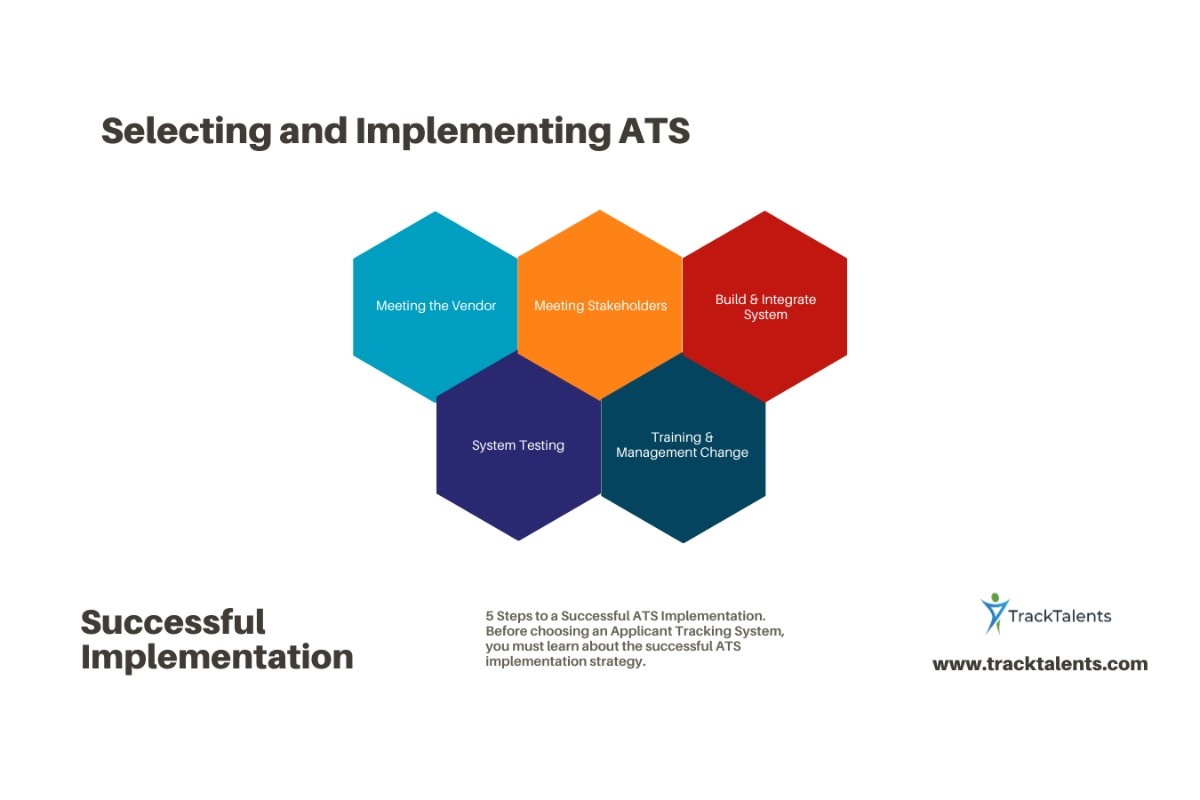
Implement the Connection Around a Real Client Workflow
A successful setup begins with one actual process rather than a general product demonstration.
- Choose the initial scope. Decide whether the first release will import jobs only or also support submissions and status updates.
- Document the existing steps. Follow a job from its release in the VMS through ATS creation, recruiter assignment, candidate submission, and client decision.
- Validate access. Check whether the client account permits integration, which credentials or API keys are required, and who will manage them.
- Agree on field and status mappings. Include required values, formats, overwrite rules, and the action taken when a match is not found.
- Design failure handling. Decide who receives alerts, where failed transactions appear, how retries work, and how users prevent duplicate records.
- Test ordinary and difficult cases. Include an amended job, canceled requirement, duplicate candidate, missing rate, rejected submission, expired credential, and unavailable VMS.
- Run a controlled pilot. Start with a limited client, desk, or recruiter group and compare both systems until the records remain consistent.
- Assign ongoing ownership. VMS fields, client rules, and APIs change. Someone must review failures, update mappings, and test releases.
The system is ready for wider use only when users can see what succeeded, what failed, and what needs attention.
Measure the Work Removed, Not the Promises Made
Claims such as “improved efficiency” or “higher fill rates” reveal little unless the firm defines what changed. VMS ATS automation should be assessed with operational measures that connect directly to the workflow.
Useful measures include:
- Time from VMS job release to ATS availability
- Percentage of jobs created without manual entry
- Number of fields corrected after import
- Percentage of candidate submissions accepted without rework
- Time from recruiter submission to VMS confirmation
- Delay between a VMS status change and the ATS update
- Number of duplicate jobs or candidate submissions
- Volume and age of unresolved integration errors
Interview and fill rates may also change, depending on candidate quality, client demand, competition, rates, and recruiter performance. They should be treated as downstream business outcomes rather than guaranteed results of the consolidation.
Candidate Data Still Needs Human and Technical Control
A candidate submission can contain contact details, employment history, pay information, identification data, and, in some cases, sensitive screening or compliance records. Integration increases the number of systems and organizations through which that information may pass.
The staffing firm should determine which fields the client genuinely needs, when the candidate’s profile may be shared, who can view it and how long each party will keep it. These responsibilities depend on the countries involved and the role of each organization.
The UK Information Commissioner’s Office notes that recruitment supply chains can involve several organizations processing candidate information. Its current recruitment and data-protection guidance is under review following changes to UK law, so firms should check the latest position and apply the rules relevant to their candidates, clients and processing locations.
Security controls should cover more than the ATS login. Integration accounts need restricted permissions, protected credentials, activity logs and a clear process for revoking access. Data should be protected during transfer, and failed or repeated transactions should be visible. NIST’s updated guidelines for API protection emphasize that APIs used in enterprise integrations require risk assessment and controls throughout development and operation.
Questions to Ask Before Choosing VMS ATS Automation
A product demonstration should use a VMS account and workflow that resemble the firm’s real work. Ask:
- Which VMS platforms and client configurations are supported?
- Is the connection based on an official API, direct connector, middleware, or portal automation?
- Does it import jobs only, or can it also submit candidates and return status updates?
- How often does the system look for new and changed records?
- Can fields, statuses, and recruiter assignment rules be configured by the client?
- How are duplicates identified?
- What happens when a required field is missing, or a transaction fails?
- Can users see, correct, and retry failed records without vendor assistance?
- How are credentials stored, rotated and revoked?
- Which actions appear in the audit history?
- What implementation, connection, usage and support charges apply?
- Who updates the system when the VMS or client workflow changes?
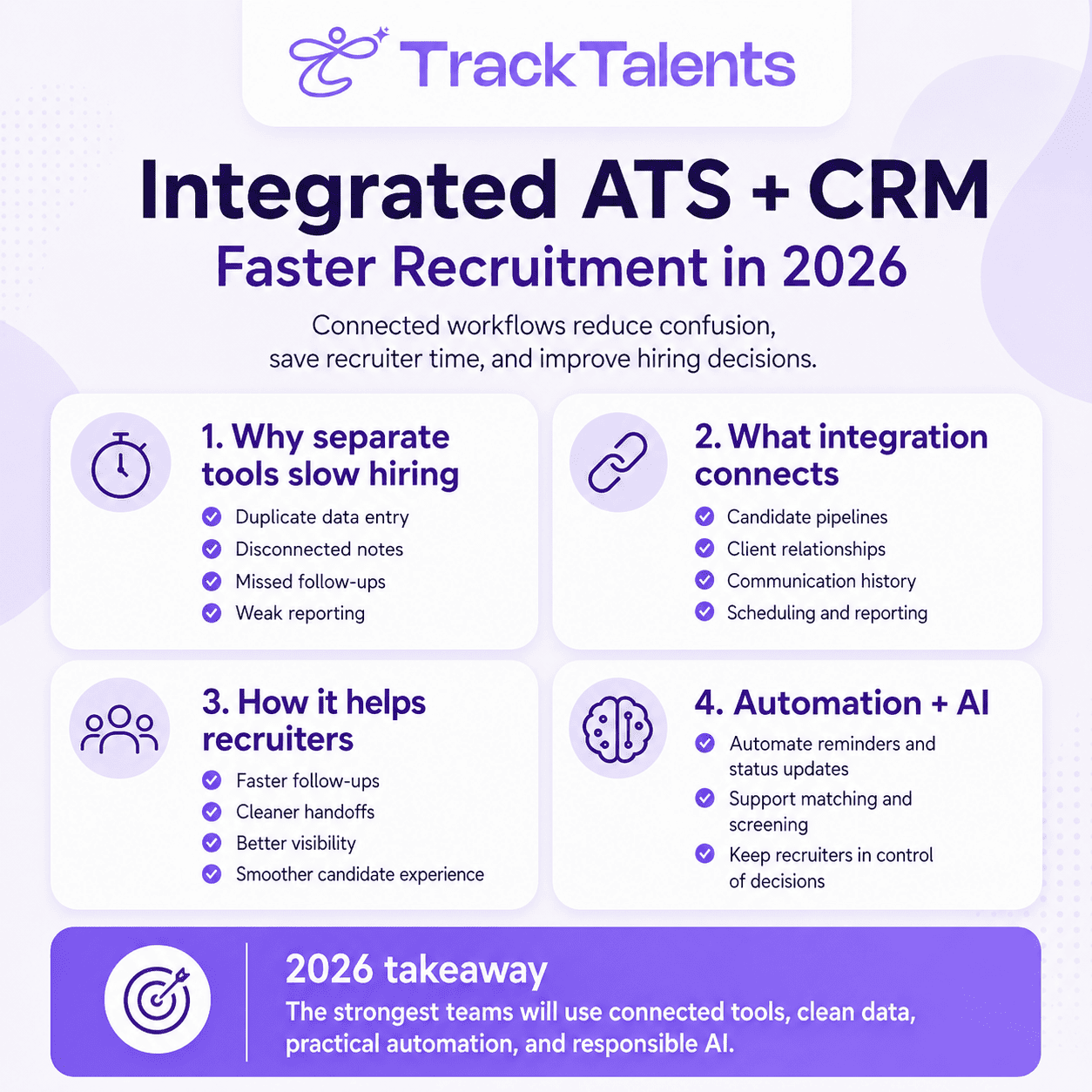
TrackTalents has published a VMS-to-ATS automation overview describing job imports, candidate submissions and synchronized status updates. Its main product page does not currently identify the supported VMS portals or technical integration method. A staffing firm considering the platform should therefore validate the exact portals, fields, submission rules, update frequency, and implementation work supported for its client accounts.
Test One Complete Submission Before Expanding the Automation
Begin with a real job from a participating client. Follow it from release in the VMS to creation in the ATS, recruiter assignment, candidate submission, client response, and closure. Record every manual action, every field that changes, and every point where the systems can disagree.
That exercise will show whether the immediate need is a simple job feed or a two-way integration. It will also expose the mappings, permissions and failure alerts that must be in place before the firm relies on automation at scale.
A useful VMS ATS integration does not hide the work. It removes repeated entry, preserves a clear record in both systems, and brings exceptions to the right person before they affect a candidate submission or client relationship.